Buying a phone online in Pakistan safely: scams, advance payment and seller checks
Most phone scams follow the same script, and a few checks break it. Here is when advance payment is fine, how to verify any seller, and what to do if your money goes to the wrong person.
Mobile Sahab · 7 min read
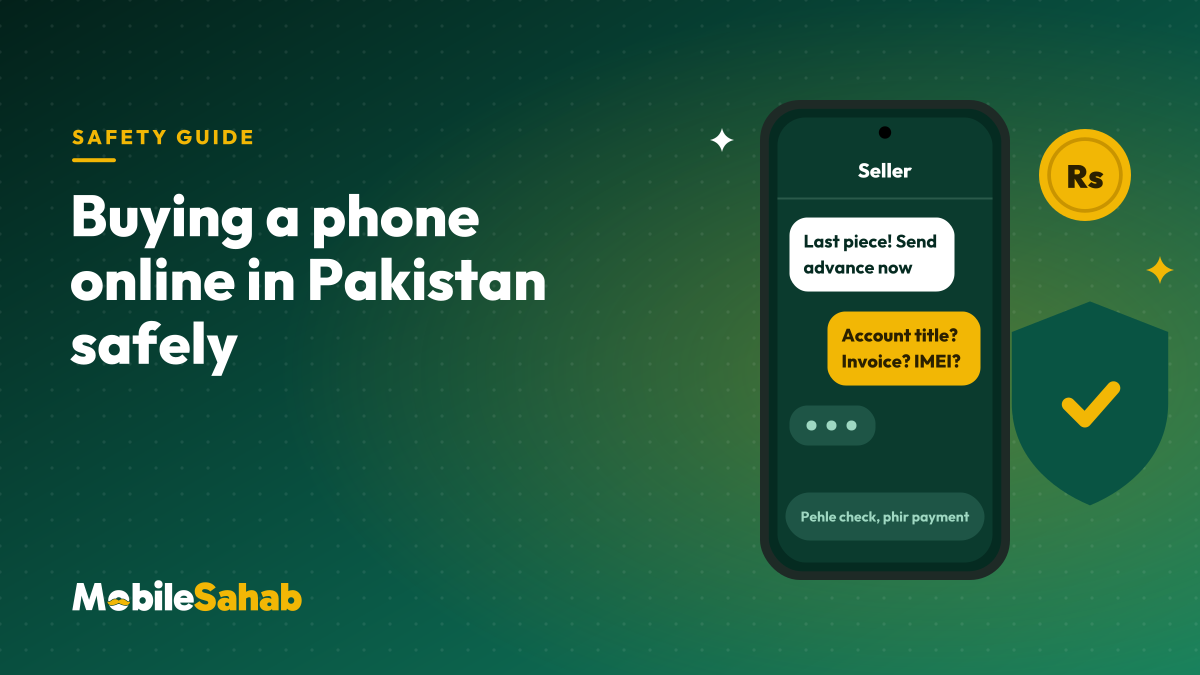
Buying a phone online in Pakistan is safe when you check the seller before you check the price. Most scams follow one script: a price that’s too good, a rush, an advance to an account nobody can verify, then silence. We are a prepaid store ourselves, so here is the honest version: when advance payment is fine, how to verify any seller (us included), and what to do, in order, if your money goes to the wrong person.
Buying a phone online: how the scams usually work
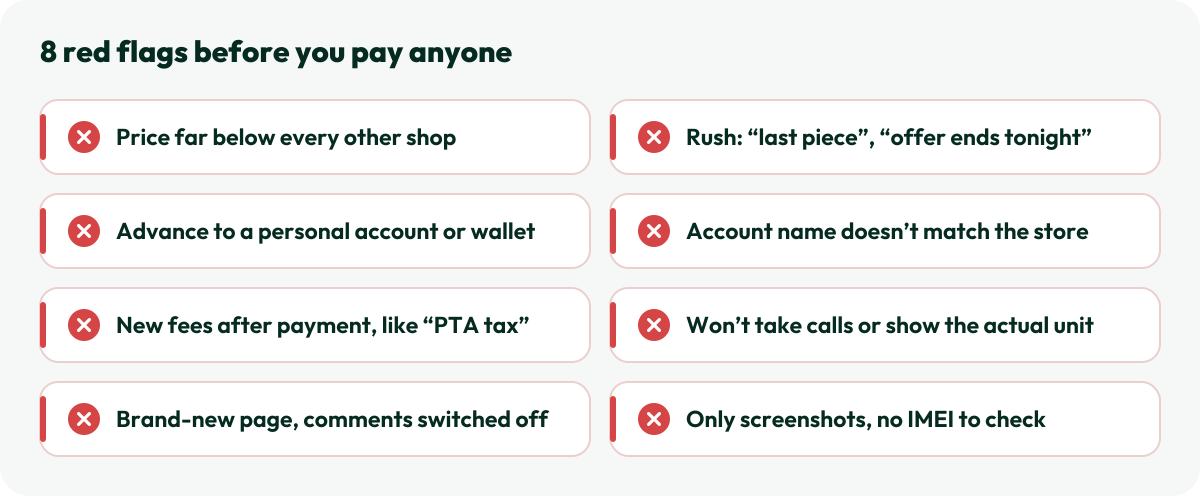
The details change, but the pattern rarely does:
The bait: a new flagship far below every other shop’s price, with “last piece” or “offer ends tonight” to stop you thinking.
The advance: payment to a personal account or wallet, often in a name that has nothing to do with the page.
The extra fees: after the first payment, new charges appear (“courier charges”, “PTA tax”, “customs”). Then the number goes off.
The copycat: a page using a known store’s name and logo, with a different link and a new number.
The wrong phone: a non-PTA, patched, used or copy phone delivered in a convincing box.
The fake proof: a screenshot of a “PTA approval” or a courier receipt instead of a real IMEI or tracking number you can check yourself.
One red flag is a question. Two or more is a no.
Is advance payment a red flag by itself?
No. Phones are expensive, cash on delivery brings fake orders and refused parcels, and many genuine online sellers ask for full payment first. The red flag is advance payment to a seller you cannot verify.
Each way of paying protects you from something different:
How you pay
What it protects you from
What it doesn’t
Cash on delivery
Paying for a parcel that never comes
A wrong, used or non-PTA phone, because the courier usually wants the money before you can open the parcel
Advance to a seller you have verified
Sellers you can’t trace: the name, policies and payment details all lead to the same store
A wrong item, so you still check it on delivery
Advance to a personal account or wallet
Very little
Almost everything above
We are prepaid, so we make ourselves easy to check:
Payment details appear only on your order page, and are never sent from an unknown number.
We never ask for your PIN, OTP or card details in a chat or call.
Every phone’s IMEI is checked on PTA’s DIRBS before dispatch, every order is confirmed by email and on its own order page, and we record an unboxing video on request.
You can cancel free of charge before dispatch, as our returns policy explains.
One name everywhere. The website, social page and order confirmation should carry the same store name. A real store also publishes its own policies: returns, warranty and shipping.
A history, not a burst. See how long the page has been active, and read customer comments with photos spread over months, not a burst of five-star reviews from last week. Search the store’s name with “reviews” and “scam”.
People who pick up. Call the number. A seller who only texts, won’t take a call and won’t name a city or an email address is hiding something.
Proof of your unit. Ask for a checking video of your phone and its IMEI, then send that IMEI to 8484 yourself, as in our PTA status guide. Genuine sellers say yes.
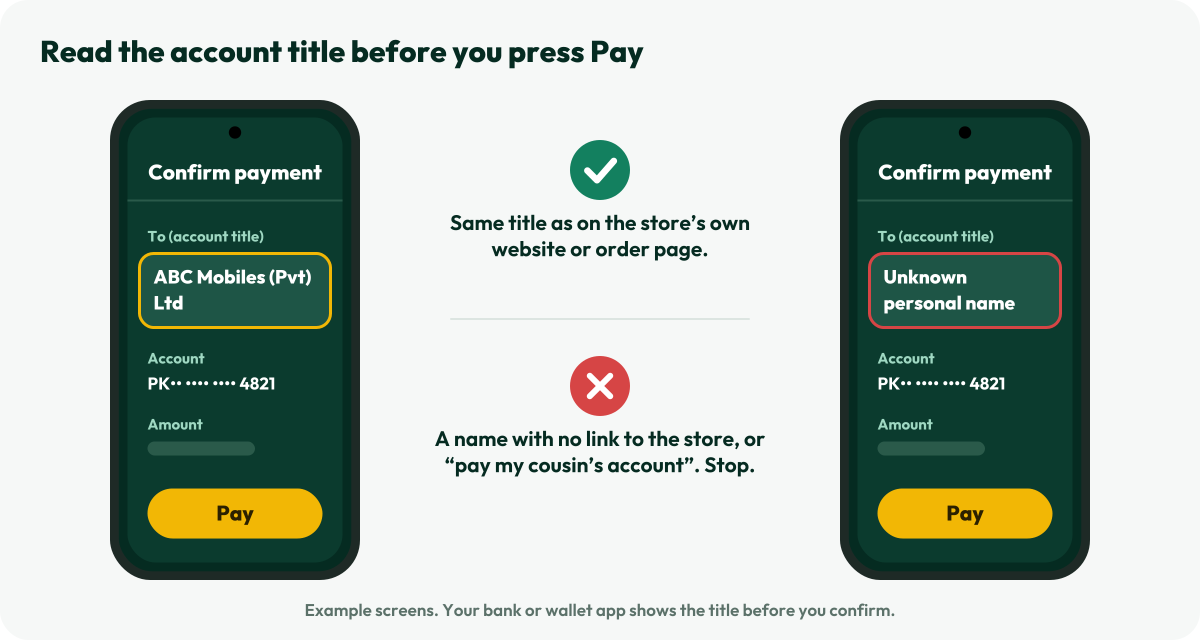
Pay the account the store publishes. Pay only into the account shown on the store’s own website or order page, never one sent in a chat, and check that the title in your banking app matches it letter for letter.
Before you press Pay: read the account title
Bank and wallet apps normally show the receiver’s account title before you confirm a transfer. HBL’s Raast flow, for example, shows it before you even enter the amount. Read it every time.
The two seconds that matter: compare the title with the one on the store’s own order page.
If the title is a personal name with no link to the store, or the seller asks you to pay “my cousin’s account”, stop. Keep the receipt and transaction ID of every payment, and never pay through a link someone sends you in a chat.
When the parcel arrives
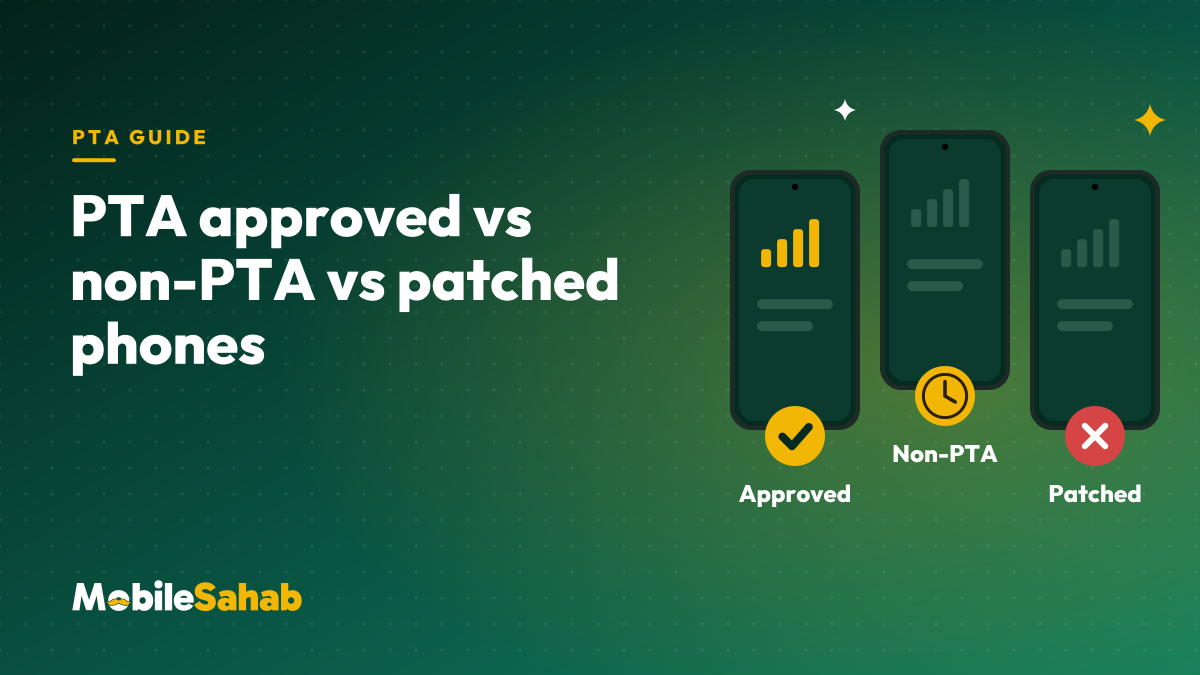
Record the unboxing, then check the seal, match the IMEIs on the box with *#06#, and send each one to 8484. If the invoice lists an IMEI, it should be the same one. Our box-pack phone check walks through every step, and PTA approved vs non-PTA vs patched explains what a wrong reply means.
Report problems inside the seller’s window. With us that is 48 hours from delivery for a damaged, faulty or wrong item. You can follow your parcel any time on our order tracking page.
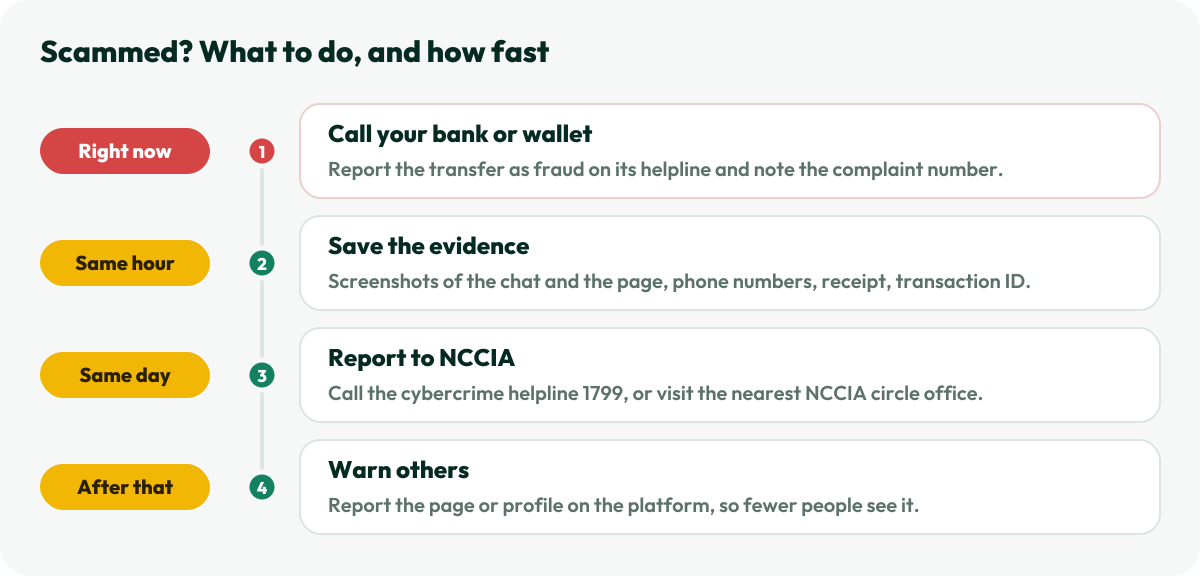
If you’ve been scammed: what to do, in order
Speed matters most in step one. Do it before anything else.
Call your bank or wallet first. Report the transfer as fraud on its helpline straight away, and note the complaint reference. The sooner the bank knows, the better the chance it can act.
Save the evidence. The cybercrime agency asks for screenshots of the chats or posts, contact numbers and transaction details. Copy the page link and the account title and number you paid.
Report it to NCCIA. Cybercrime complaints, including online fraud, now go to the National Cyber Crime Investigation Agency (NCCIA), which took over from the FIA’s old Cyber Crime Wing. Call its helpline 1799, file online at nccia.gov.pk, or visit the nearest NCCIA circle office.
If a phone itself is the problem, for example it turns out to be stolen or you need a stolen phone’s IMEI blocked, use PTA’s complaint system at complaint.pta.gov.pk or its helpline 0800-55055, as explained in PTA’s DIRBS FAQs.
Warn others. Report the page or profile on the platform it used.
Frequently asked questions
Is cash on delivery safer than paying in advance?
It removes one risk, paying for nothing, but not the bigger one, receiving the wrong phone. An advance to a seller you have verified, who shows payment details on its own website and confirms your order in writing, is often the safer deal.
How can I check MobileSahab before I pay?
Use the same checks. Our payment details appear only on your order page, every order is confirmed by email and on its order page, our number answers on calls and WhatsApp, our email is on our own domain, and our returns, warranty and shipping policies are public. Ask us for an unboxing video before dispatch, or contact us with any question.
Can I get my money back after a scam?
Sometimes, but nothing is guaranteed. Your best chance is speed: call your bank or wallet first, then report to NCCIA with full evidence. Verifying before you pay is far easier than recovering after.
The seller sent a screenshot of PTA approval. Is that enough?
No. Screenshots are easy to fake or borrow from another phone. Ask for the IMEI and send it to 8484 yourself, and check again on delivery that the phone shows the same IMEI.
About Mobile Sahab
MobileSahab is an online phone store in Lahore that sells only new, box-packed, PTA-approved phones and genuine accessories. Our guides come from what we check every day before dispatch: IMEIs on PTA’s DIRBS system, seals and warranty cards, and chargers and cables we test ourselves.
Three phones can look identical and still behave very differently on a Pakistani SIM. Here is what PTA approved, non-PTA and patched really mean, and which one is worth your money.
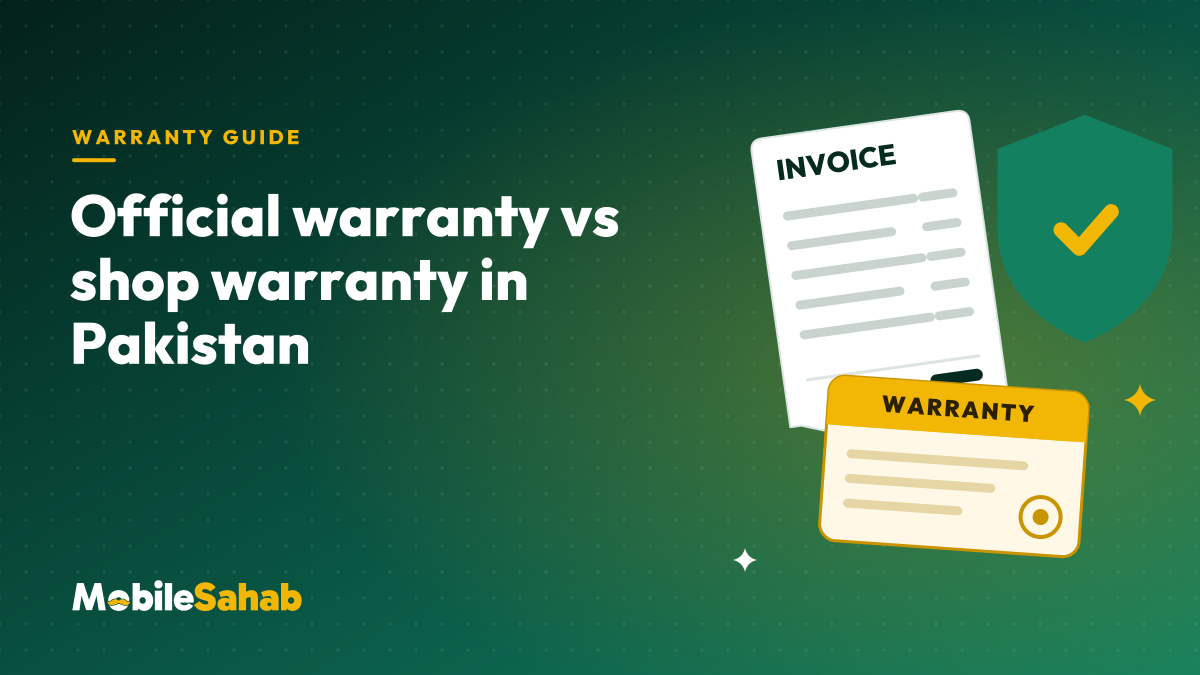
A shop’s stamp and a brand’s warranty are different promises. Here is what each covers, where to check a phone’s warranty on the brand’s own site, and how to claim.